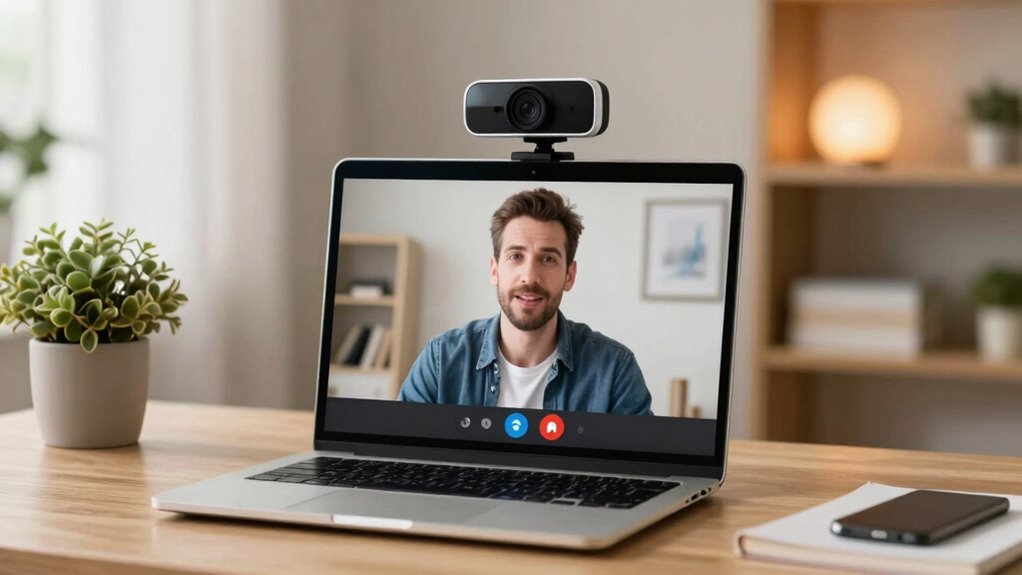

Upgrading to a high-quality conference webcam boosts your professional presence by delivering clear, sharp images that show your facial expressions and non-verbal cues. It helps prevent glitches, flickering, and pixelation, making virtual backgrounds seamless and distraction-free. A better webcam conveys seriousness about remote work, enhances engagement, and leaves a stronger impression on colleagues and clients. If you want to understand how this upgrade can elevate your virtual interactions further, keep exploring these key benefits.
Key Takeaways
- Conference webcams improve video clarity, making virtual meetings more professional and engaging.
- They enhance virtual background compatibility, reducing glitches and distractions.
- Upgrading ensures better facial expressions and non-verbal cues for effective communication.
- High-quality webcams demonstrate commitment to professionalism and digital presence.
- They provide a competitive edge by delivering a polished, credible virtual image.
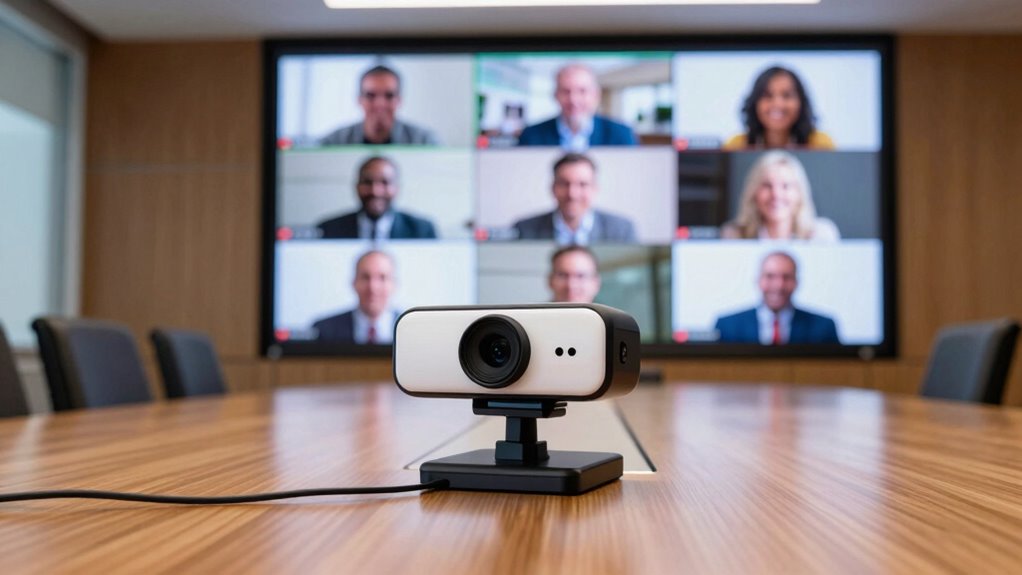
In today’s remote work environment, upgrading your conference webcams isn’t just a luxury—it’s essential for clear, professional communication. When you step into a virtual meeting, your webcam is often the first impression you make. A high-quality webcam enhances your video resolution, ensuring your image is sharp and detailed. This clarity helps colleagues and clients see you clearly, reducing misunderstandings caused by pixelation or blurriness. If you’re still using an older model, you might notice washed-out colors or grainy footage, which can undermine your professionalism. Upgrading ensures your image is crisp and vibrant, so you look as engaged and competent as you feel.
Another crucial reason to upgrade is compatibility with virtual backgrounds. Many modern webcams support seamless integration with virtual background features, allowing you to project a clean, professional backdrop without clutter or distractions. This can be especially beneficial if your home workspace isn’t always picture-perfect or if you want to maintain privacy. A better webcam can handle virtual backgrounds more smoothly, avoiding awkward glitches or flickering that happen with lower-quality cameras. When your virtual background looks natural and stable, it keeps the focus on you, not your surroundings, and reinforces your professionalism. Additionally, a high-quality webcam can improve your overall virtual presence, making your meetings more engaging.
Video resolution plays a key role in the overall quality of your virtual presence. Lower resolutions may save bandwidth but often result in blurry images that diminish your credibility. Upgrading your webcam boosts your video resolution, often to 1080p or higher, delivering sharp, clear visuals that make a strong impression. Higher resolution also improves facial expressions and non-verbal cues, which are vital in remote communication. When your video quality is high, your audience perceives you as more confident and trustworthy. Plus, crisp visuals help reduce eye strain for viewers, making meetings more comfortable and productive. As technology advances, choosing a webcam with higher resolution can give you a distinct advantage in virtual interactions. Additionally, a higher-quality webcam can contribute to professional image by ensuring you appear polished and well-prepared in every virtual interaction.
In today’s competitive remote work landscape, having a good webcam isn’t just about vanity; it’s about strategic professionalism. A modern webcam with excellent video resolution and virtual background support ensures you present yourself in the best light—literally and figuratively. It allows you to maintain a polished appearance, even in less-than-ideal environments. Investing in an upgraded webcam demonstrates that you value clear communication and are serious about your work. Additionally, understanding the importance of video resolution can help you choose the right model for your needs. In the end, a better camera isn’t just a hardware upgrade; it’s an investment in your digital presence, making every virtual interaction more effective, engaging, and impactful.
As an affiliate, we earn on qualifying purchases.
Frequently Asked Questions
How Do Conference Webcams Handle Low-Light Conditions?
Conference webcams handle low-light conditions well by using low light enhancement features, which brighten images without adding noise. Some models also include infrared capabilities, allowing clear video even in darkness. You’ll notice improved image quality during dimly lit meetings, making it easier to see faces and expressions. This combination of low light enhancement and infrared technology guarantees your video remains sharp and professional, regardless of lighting conditions.
What Security Features Are Available With Modern Conference Webcams?
Modern conference webcams prioritize privacy, providing powerful security features like privacy shutters and password protection. You can also opt for data encryption, which keeps your communications safe from prying eyes. These features help you handle privacy concerns confidently, ensuring your virtual meetings stay secure. By enabling these security settings, you prevent unauthorized access, protect sensitive information, and promote a safe, secure, and seamless communication experience.
Can Conference Webcams Be Integrated With Existing Communication Platforms?
Yes, conference webcams easily integrate with existing communication platforms like Zoom, Teams, or Skype. You can use features like virtual backgrounds to customize your environment and noise cancellation to improve audio clarity during calls. This seamless integration guarantees you stay professional and focused, even in noisy or cluttered spaces. Upgrading with a modern webcam enhances your setup, making virtual meetings smoother and more efficient without needing additional complex configurations.
How Do Webcams Improve Team Collaboration During Virtual Meetings?
Webcams improve team collaboration during virtual meetings by providing clear video clarity and high-quality audio, making communication more natural. When everyone can see facial expressions and gestures clearly, it’s easier to understand each other and stay engaged. Better audio quality reduces misunderstandings and background noise, fostering a more productive environment. Overall, webcams create a more personal and connected experience, encouraging open dialogue and teamwork, even when you’re miles apart.
What Is the Typical Lifespan of a Conference Webcam?
A typical conference webcam lasts around 3 to 5 years. You’ll notice that over time, its video resolution may decline, leading to less clear images, and power consumption might increase, affecting its efficiency. Regularly updating or maintaining your webcam guarantees peak performance. Investing in a high-quality model with good video resolution and energy efficiency can extend its lifespan and improve your virtual meetings consistently.
virtual background compatible webcam
As an affiliate, we earn on qualifying purchases.
As an affiliate, we earn on qualifying purchases.
Conclusion
Upgrading your conference webcam isn’t just about clearer video—it transforms how you connect and collaborate. Imagine hosting a virtual team meeting where everyone feels engaged and understood, thanks to crisp visuals and reliable audio. For instance, a remote startup improved team communication by investing in high-quality webcams, leading to increased productivity and morale. Don’t underestimate the power of a simple upgrade; it can make your virtual meetings more effective and personable, fostering stronger professional relationships.
high-quality video conferencing camera
As an affiliate, we earn on qualifying purchases.
As an affiliate, we earn on qualifying purchases.
professional webcam for remote meetings
As an affiliate, we earn on qualifying purchases.
As an affiliate, we earn on qualifying purchases.