

To explain product issues clearly, use simple, specific language that details what’s not working and what you observe. Include actions you took, error messages, and whether the problem is consistent or intermittent. Mention relevant details like product model, recent updates, or environmental factors. Stay respectful and concise, providing enough context for support to understand the problem quickly. If you want to get your issue resolved faster, there’s more helpful advice to follow.

Get your next haul delivered free with Prime
- Fast, free delivery on millions of items
- Prime Video, Amazon Music and more included
- Member-only deals all year
Key Takeaways
- Use simple, specific language to describe the exact problem and observed behavior.
- Include relevant details such as device model, software version, and recent updates.
- Mention any error messages, patterns, or steps already taken to troubleshoot.
- Provide context about network connectivity, environment, and recent changes.
- Maintain a respectful tone and focus on factual, detailed information for clarity.
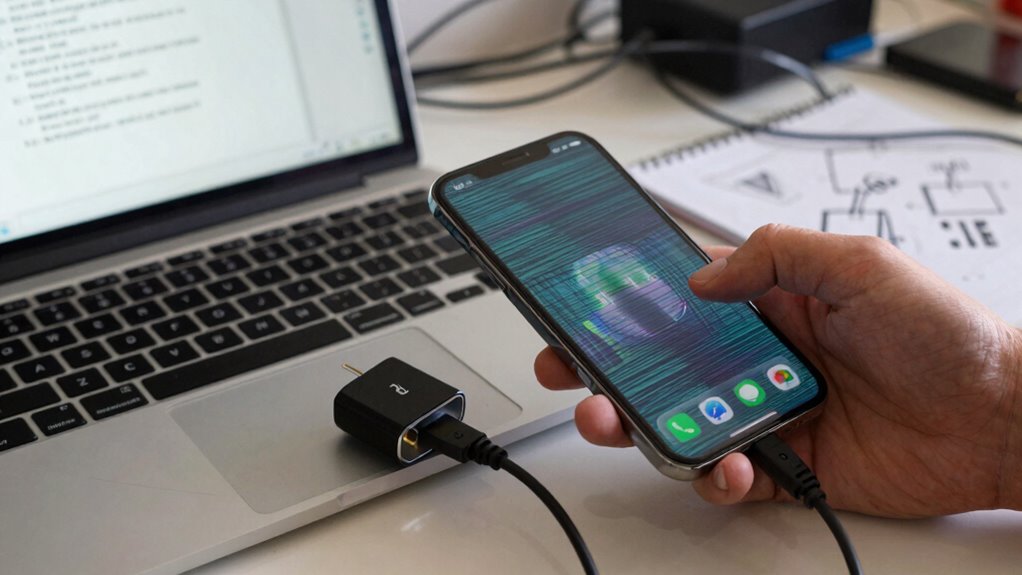
When you encounter a product issue, explaining it clearly can make all the difference in resolving the problem quickly. Clear communication helps the support team understand exactly what’s wrong, so they can provide effective solutions without unnecessary back-and-forth. To do this, focus on being specific and organized in your explanation. Start by describing the problem in simple terms, avoiding vague language like “it’s not working” and instead stating what isn’t functioning as expected. For example, say, “The device turns on but the screen remains blank,” rather than just “the device isn’t working.” This precise description guides the support team straight to the core issue.
Customer communication is key in these situations. When you reach out for help, keep your tone respectful and constructive. Clearly articulate what you were doing when the issue occurred, including specific steps or actions that led to the problem. This helps the support team replicate the issue on their end, which is often necessary for troubleshooting techniques to work effectively. If possible, include details like the product model, software version, or any recent updates you installed. The more context you provide, the better equipped the support team is to diagnose and resolve the issue swiftly. Additionally, understanding product functionality and how it should behave can empower you to communicate more effectively with support teams.
Using troubleshooting techniques in your explanation also improves the quality of your communication. For example, mention any error messages you saw, and describe when they appeared. Note if the problem is consistent or intermittent. If you’ve tried any solutions already, such as restarting the device or resetting settings, share those details as well. This prevents redundant suggestions and helps focus efforts on more advanced troubleshooting steps. Being aware of common product issues can also help you anticipate and describe problems more accurately. Understanding product functionality and how it should behave can empower you to communicate more effectively with support teams. Recognizing common troubleshooting steps can streamline your communication and facilitate quicker assistance. Additionally, familiarity with network connectivity and how it impacts device performance can be useful in troubleshooting issues related to cloud server solutions.
Popular right now

KitchenAid Classic Series 4.5-Quart Tilt-Head Stand Mixer, Onyx Black

Dyson Ball Animal 3 Upright Vacuum

TCL T7 Series 85-Inch 4K 144Hz QLED Smart Google TV
As an affiliate, we earn on qualifying purchases.
Frequently Asked Questions
How Detailed Should My Explanation Be for Product Issues?
You should provide enough detail to guarantee problem clarity, but avoid overloading with unnecessary info. Focus on user communication by describing what happens, when it occurs, and any error messages. Mention specific steps you took and the device or software versions involved. Clear, concise explanations help support teams understand your issue quickly, enabling faster help. The goal is to give enough context to pinpoint the problem without making your message overly complex.
What Tools Can I Use to Document Product Problems Effectively?
You can use tools like issue tracking systems (Jira, Trello) to document product problems effectively. Incorporate user feedback to highlight recurring issues and guide troubleshooting flow. Screenshots, screen recordings, and detailed steps help clarify problems quickly. These tools streamline communication, guarantee all details are captured, and make it easier for support teams to understand and resolve issues faster, improving overall product support.
How Do I Prioritize Issues When Multiple Problems Occur?
Like a skilled captain steering stormy seas, you prioritize issues by first categorizing problems based on severity and impact. Use issue escalation to flag urgent concerns, ensuring they get swift attention. Focus on critical problems that halt progress, then address less urgent ones later. This problem categorization helps you allocate resources effectively, preventing chaos and guiding your team smoothly through the turbulence of multiple issues.
Should I Include Logs or Error Messages When Reporting Issues?
Yes, include logs or error messages when reporting issues. They’re essential troubleshooting techniques that provide detailed insights into the problem, making it easier for support teams to understand the issue quickly. Clear communication clarity improves your chances of faster resolution, so provide as much relevant information as possible. Attach screenshots or logs, describe what you were doing, and note any error codes—this helps support diagnose and fix the issue efficiently.
How Can I Ensure My Explanation Is Understood by Non-Technical Teams?
To guarantee your explanation is understood by non-technical teams, you need to prioritize communication clarity, making your message as simple as a walk in the park. Use plain language, avoid jargon, and focus on the user experience. Share specific examples or visual aids if possible, so they can easily grasp the issue. Remember, clear communication can turn a confusing problem into a shared victory rather than a never-ending puzzle.
Conclusion
So, next time your product throws a tantrum, don’t just yell “It’s broken!” Instead, paint a vivid picture—like describing a toaster that’s trying to burn your breakfast while sneezing. Clear explanations keep the tech gods happy and your help team’s patience intact. Remember, the more detail you give, the faster they can fix your digital disaster. After all, a well-illustrated meltdown is the fastest route to smooth sailing!